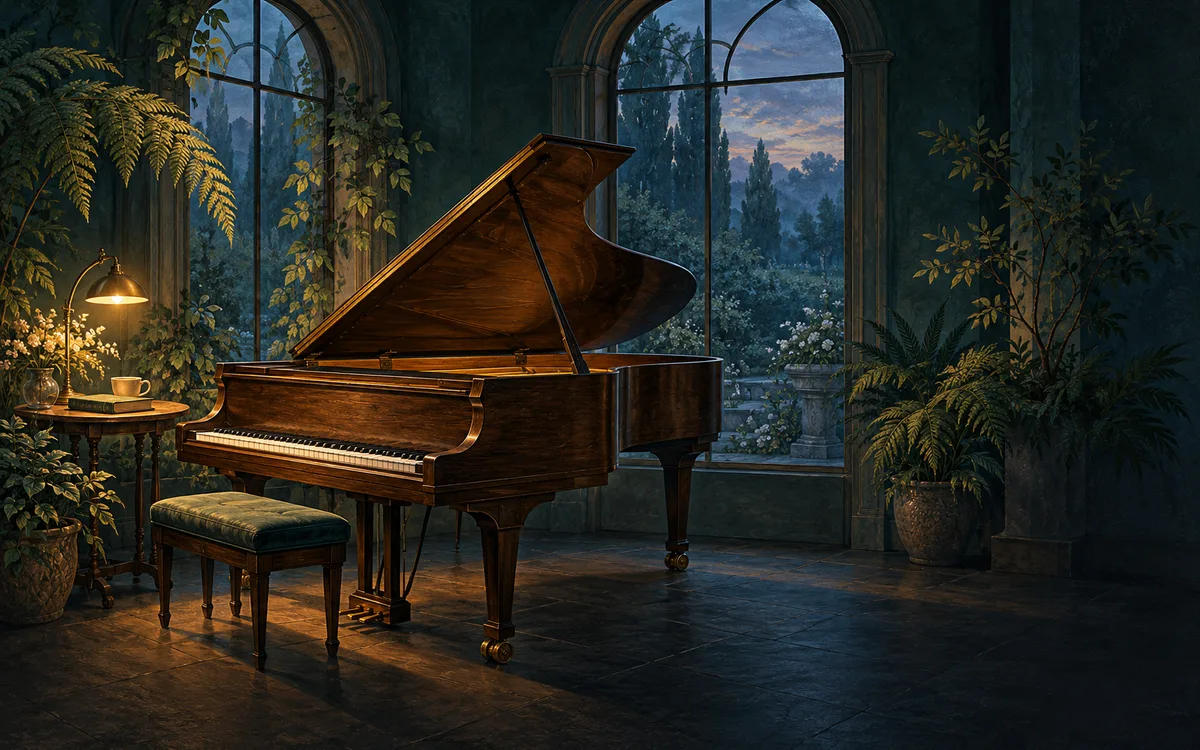
Upload your piano, string and Baroque recordings and a lamp-lit conservatory loop once. SubSub streams them nonstop from our cloud in up to 4K — no OBS, no VPS, no PC left running.
When the free credit runs out, the stream simply stops. Nothing is charged unless you top up.

A home stream dies with every Windows update, power cut or Wi-Fi drop — usually at 2 a.m. in exam week. SubSub plays your playlist from our servers, so your computer can sleep.
Renting a VPS, running OBS without a GPU, restarting a crashed encoder — that is a second job. Here you upload files and press start.
Bach and Chopin are public domain, but the recordings you hear on streaming services are not: labels register them in Content ID, and a looped compilation can fail YouTube's reused-content review. Below we explain what is safe to stream and how classical channels actually earn.
Drop your audio and video into the SubSub media library, put them in order and turn on loop. Files live in our cloud, not on your computer.
Create a stream in YouTube Studio and paste its stream key into SubSub. The stream stays on your channel; SubSub only sends the video.
SubSub streams from our servers around the clock. Close the laptop — the stream keeps playing.
What long-running classical and study music channels have in common — and how to get there with SubSub.
Upload at least 3–4 hours so regulars never hear the same nocturne twice in one evening. Favour slow and moderate pieces — piano nocturnes, Baroque slow movements, string adagios — and leave out the big symphonic finales. SubSub loops the playlist automatically.
A 10–30 second seamless loop — lamplight flickering on a piano, leaves moving behind a window, slow dusk light — keeps the stream alive. A static image works too.
Classical recordings swing from a whisper to a full orchestra, and that jolts people out of focus. Normalise every track to the same loudness (around −16 LUFS) and gently tame the peaks. Export at 192 kbps or higher; 1080p video is plenty for the picture.
The score is public domain; the performance is not. Use your own recordings, commission a pianist, or license tracks from a library that explicitly covers YouTube live streaming. Some old recordings are public domain too, but that depends on the country, and a remaster can carry new rights — keep proof of every license in case of a claim.
Your $0.50 sign-up credit covers about 57 hours on air. Upload a couple of tracks, press start and watch your radio go live. No card, no software, nothing to install.
YouTube checks every stream with Content ID, and major labels register their classical catalogues there. Bach is free; a famous pianist's recording of Bach is not. A claimed track can cut your stream.
Once your channel is in the YouTube Partner Program:
You pay only for streaming time: $0.0087 per hour in base quality (720p, 30 fps). A month nonstop is 720 hours and comes to about $6.26 — no monthly plan, no slot fees. New accounts get $0.50 in free credits, enough for about 57 hours on air, no credit card required.
Criteria
Yes. YouTube sets no maximum length for live streams, and classical and study music streams stay live for months. The usual rules apply: a verified channel with no live streaming restrictions in the past 90 days, honest titles and thumbnails, and only music you have rights to.
Yes. SubSub sends your uploaded playlist to YouTube through a regular stream key, exactly like a streaming encoder. You do not need to be online, run OBS or keep a computer on during the broadcast.
The compositions mostly are: Bach, Mozart, Beethoven and Chopin have long been in the public domain. The recordings are not. Every performance belongs to the musicians and label that made it, and many are registered in Content ID. Record your own, or use a library whose license covers YouTube live streaming.
Yes, once your channel is in the YouTube Partner Program: ads, Super Chat, Super Stickers and memberships. YouTube can limit monetization for repetitive or reused content, so build the stream on your own or properly licensed recordings rather than someone else's compilation, and give it a look of its own.
At least 3–4 hours. SubSub loops the playlist automatically, and the longer it is, the less likely a listener is to hear the same piece twice in one study session.
No. You upload files to SubSub once, and our servers send the stream to YouTube. Your computer can be off the whole time.
You pay only for streaming time — $0.0087 per hour in base quality (720p, 30 fps). A full month nonstop is about $6.26. New accounts get $0.50 in free credits, about 57 hours on air, no credit card required.
YouTube can take up to 24 hours to enable live streaming the first time. Turn it on in YouTube Studio a day before you plan to launch.
Yes. Each stream runs on its own and is billed by its own streaming hours, so you can run different radios on different channels.
No. SubSub does not scan your files. YouTube checks every live stream with Content ID on its side: if it finds a track you do not own, YouTube can mute or stop the stream and strike your channel. Use only music you own or license.
Streams up to 12 hours are archived on your channel. Longer streams may not be saved at all, and live streams that are not saved as a video do not count toward Partner Program watch hours. Keep your source files — they stay in your SubSub library.
Your free credit covers about 57 hours on air. No credit card, no OBS, no computer left running.
Launch a free test streamClassical 24/7 · EnglishClassical 24/7 · УкраїнськаClassical 24/7 · EspañolClassical 24/7 · 简体中文Classical 24/7 · हिन्दीClassical 24/7 · العربيةClassical 24/7 · PortuguêsClassical 24/7 · বাংলাClassical 24/7 · 日本語Classical 24/7 · DeutschClassical 24/7 · FrançaisClassical 24/7 · Bahasa IndonesiaClassical 24/7 · TürkçeClassical 24/7 · 한국어Classical 24/7 · Tiếng ViệtClassical 24/7 · ItalianoClassical 24/7 · PolskiClassical 24/7 · NederlandsClassical 24/7 · ไทยClassical 24/7 · فارسیClassical 24/7 · RomânăClassical 24/7 · Bahasa MelayuClassical 24/7 · KiswahiliClassical 24/7 · தமிழ்Classical 24/7 · తెలుగుClassical 24/7 · मराठीClassical 24/7 · اردوClassical 24/7 · FilipinoClassical 24/7 · ΕλληνικάClassical 24/7 · ČeštinaClassical 24/7 · MagyarClassical 24/7 · SvenskaClassical 24/7 · עבריתClassical 24/7 · DanskClassical 24/7 · SuomiClassical 24/7 · NorskClassical 24/7 · SlovenčinaClassical 24/7 · БългарскиClassical 24/7 · HrvatskiClassical 24/7 · SrpskiClassical 24/7 · LietuviųClassical 24/7 · LatviešuClassical 24/7 · EestiClassical 24/7 · SlovenščinaClassical 24/7 · ქართულიClassical 24/7 · AzərbaycanClassical 24/7 · ҚазақшаClassical 24/7 · OʻzbekClassical 24/7 · 繁體中文Classical 24/7 · ਪੰਜਾਬੀClassical 24/7 · ગુજરાતી