24/7 LOFI RADIO

Run a 24/7 lofi radio on YouTube — with your computer off

Upload your beats and visuals once. SubSub streams them nonstop from our cloud in up to 4K — no OBS, no VPS, no PC left running.

Free credits to start
No OBS, no VPS
Up to 4K
Pay per hour
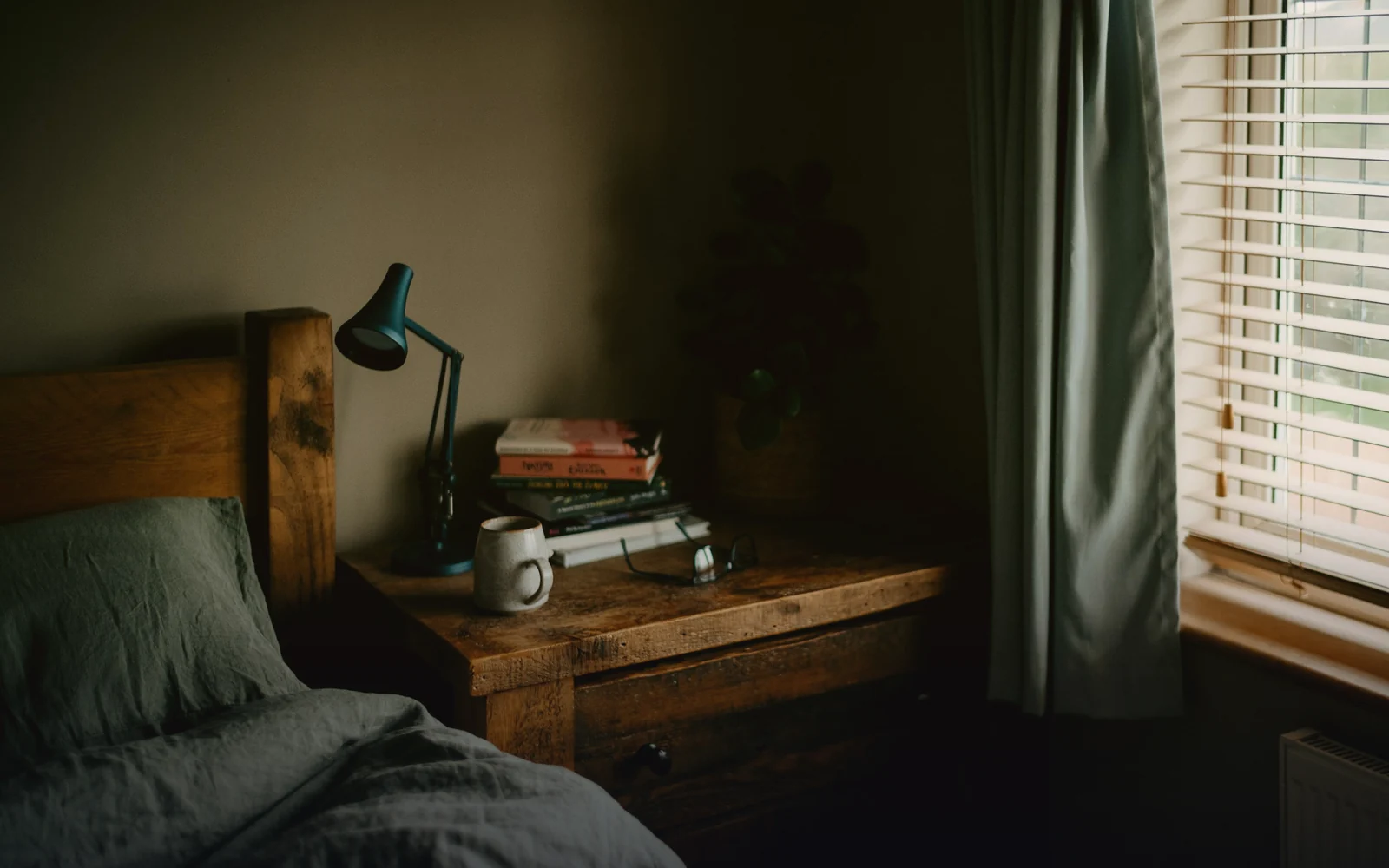
Cozy dim bedroom with a desk lamp and a mug, lofi mood
LIVE
NOW PLAYING
midnight rain · lofi beats to study & relax
12,438,960
hours watched
351,206,874
stream views
183,540,217
subscribers reached
2,516,384
hours on air

Why most lofi radios go silent at 3 a.m.

01

Your PC has to stay on

A home stream dies with every Windows update, power cut or Wi-Fi drop. SubSub plays your playlist from our servers, so your computer can sleep.

02

OBS and VPS babysitting

Renting a VPS, running OBS without a GPU, restarting a crashed encoder — that is a second job. Here you upload files and press start.

03

Copyright and monetization guesswork

One wrong track can mute or stop a stream. Below we explain what is safe to play and how lofi radios actually earn.

HOW IT WORKS

Live in three steps, no software to install

1

Upload your files

Drop your audio and video into the SubSub media library. Files are stored in our cloud, not on your computer.

2

Build your playlist

Put your files in order and turn on loop. Everything stays in the SubSub cloud, so nothing has to run on your computer.

3

Press start

SubSub streams from our servers around the clock. Close the laptop — the stream keeps playing.

SETUP GUIDE

How to set up a lofi radio people keep on

What long-running lofi channels have in common — and how to get there with SubSub.

A playlist of 2+ hours

Load at least 2–3 hours of tracks so listeners rarely hear a repeat. SubSub loops the playlist automatically.

A looping visual, not a still

A 10–30 second seamless loop — rain on a window, a desk lamp, a slow city — keeps the stream alive. A static image works too.

Audio comes first

Lofi is listened to more than watched. Export tracks at 192 kbps or higher; 1080p video is plenty for the picture.

Tracks you have rights to

Use your own beats, tracks licensed for YouTube live streaming, or a royalty-free library. Keep license proof in case of a claim.

TRY IT FREE

Launch a test stream tonight — it is on us

Your $0.50 sign-up credit covers about 57 hours on air. Upload a couple of tracks, press start and watch your radio go live. No card, no software, nothing to install.

1
Create a free account
2
Upload a track and a looping visual
3
Press start and keep it running as long as you like
Launch a free test stream
57 free hours · no credit card
COPYRIGHT

Copyright: what you can play

YouTube scans live streams with Content ID. If a matched track plays, YouTube may replace your stream with a placeholder image, and if the content keeps playing, interrupt or end the broadcast. A copyright strike also restricts your access to live streaming.

  • Safe: beats you produced yourself, or tracks whose license explicitly covers YouTube live streaming.
  • Check the fine print: a license alone is not enough if the track is registered in Content ID — ask the label or library to allowlist your channel.
  • Avoid: other artists' releases, sped-up or slowed versions of songs, and compilations taken from other channels.
MONETIZATION

How a lofi radio makes money

Once your channel is in the YouTube Partner Program, a lofi radio earns in three ways:

  • Ads. Pre-roll and display ads turn on automatically. For mid-rolls, choose automatic or scheduled ad breaks — without them, no mid-rolls are served.
  • Super Chat, Super Stickers and memberships. Available from 500 subscribers and 3,000 watch hours in the past year, for creators aged 18+.
  • Your own links. Beat stores, Spotify and Bandcamp in the description and the pinned chat message.

Mind the inauthentic content policy: collections of songs from different artists are not eligible for monetization, even with their permission. A radio built on your own catalog is the safe route.

COST

A full month of 24/7 streaming for about $6

You pay only for streaming time: $0.0087 per hour in base quality (720p, 30 fps). A month nonstop is 720 hours and comes to about $6.26 — no monthly plan, no slot fees. New accounts get $0.50 in free credits, enough for about 57 hours on air, no credit card required.

24/7 · 30 days · 720p 30 fps
≈ $6.26
per month, billed by the hour
Get free credits
COMPARE

SubSub vs a home PC vs a VPS

SubSub
Home PC + OBS
VPS
Your computer stays on
No
Yes, 24/7
No
Setup
Upload files, press start
OBS scenes, encoder settings
Linux server, ffmpeg or OBS
Where files live
SubSub cloud
Your disk
Server disk you manage
What breaks the stream
Nothing on your side
Updates, power cuts, Wi-Fi
Crashes you have to fix
Cost of 24/7 for a month
≈ $6.26, pay per hour
Electricity and hardware wear
Server rent plus your time

FAQ

Is a 24/7 lofi stream allowed on YouTube?

Yes. YouTube sets no maximum length for live streams, and lofi radios have stayed live for years. The usual rules apply: a verified channel with no live streaming restrictions in the past 90 days, honest titles and thumbnails, and only music you have rights to.

Can I stream pre-recorded lofi tracks as a live stream?

Yes. SubSub sends your uploaded playlist to YouTube through a regular stream key, exactly like a streaming encoder. You do not need to be online, run OBS or keep a computer on during the broadcast.

What music can I play without copyright problems?

Your own beats, or tracks whose license covers YouTube live streaming and that are allowlisted for your channel in Content ID. If a claimed track plays, YouTube can replace the stream with a placeholder or stop it.

Can I monetize a 24/7 lofi stream?

Yes, once your channel is in the YouTube Partner Program: ads, Super Chat, Super Stickers and memberships. Compilations of other artists' songs are not eligible for monetization, so build the radio on your own or properly licensed catalog.

How long should my lofi playlist be?

At least 2–3 hours. SubSub loops the playlist automatically, and a longer playlist means listeners rarely hear the same track twice in one session.

Do I need OBS, a VPS or a computer that stays on?

No. You upload files to SubSub once, and our servers send the stream to YouTube. Your computer can be off the whole time.

How much does a 24/7 stream cost?

You pay only for streaming time — $0.0087 per hour in base quality (720p, 30 fps). A full month nonstop is about $6.26. New accounts get $0.50 in free credits, about 57 hours on air, no credit card required.

Why can’t I go live right after setting up my channel?

YouTube can take up to 24 hours to enable live streaming the first time. Turn it on in YouTube Studio a day before you plan to launch.

Can I run several 24/7 streams at once?

Yes. Each stream runs on its own and is billed by its own streaming hours, so you can run different radios on different channels.

Does SubSub check my music for copyright?

No. SubSub does not scan your files. YouTube checks every live stream with Content ID on its side: if it finds a track you do not own, YouTube can mute or stop the stream and strike your channel. Use only music you own or license.

Will YouTube save my 24/7 stream as a video?

Streams up to 12 hours are archived on your channel. Longer streams may not be saved at all, and live streams that are not saved as a video do not count toward Partner Program watch hours. Keep your source files — they stay in your SubSub library.

Your lofi radio can be live tonight.

Your free credit covers about 57 hours on air. No credit card, no OBS, no computer left running.

Launch a free test stream
Launch a free test stream · 57 h free