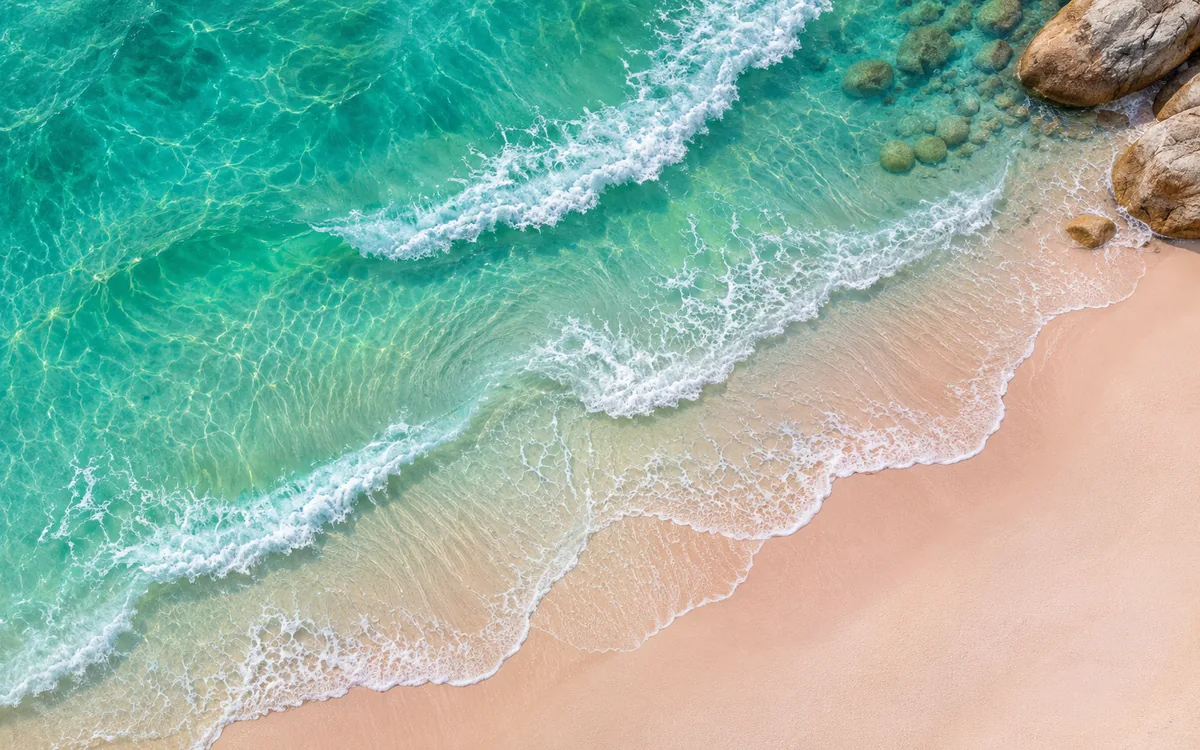
Upload your wave, rain and forest recordings and a looping scene once. SubSub streams them nonstop from our cloud in up to 4K — no OBS, no VPS, no PC left running.
When the free credit runs out, the stream simply stops. Nothing is charged unless you top up.

Ocean and nature sounds play all night — people fall asleep to them, study to them and leave them on through the workday. A home stream dies with every Windows update, power cut or Wi-Fi drop, and the sudden silence wakes the very listeners who were sleeping. SubSub plays your recordings from our servers, so the waves never stop.
Renting a VPS, running OBS without a GPU, restarting a frozen encoder at 3 a.m. — that is a second job. Here you upload files and press start.
Free nature sound packs are not always free for YouTube live, many ambience recordings are registered in Content ID, and YouTube watches for repetitive content. Below we explain what you can safely put on air and how nature sounds channels actually earn.
Drop your audio and video into the SubSub media library, put them in order and turn on loop. Files live in our cloud, not on your computer.
Create a stream in YouTube Studio and paste its stream key into SubSub. The stream stays on your channel; SubSub only sends the video.
SubSub streams from our servers around the clock. Close the laptop — the stream keeps playing.
What long-running ocean, rain and forest ambience channels have in common — and how to get there with SubSub.
Upload several hours of audio, and prefer long continuous recordings over a 5-minute clip looped again and again — listeners notice the same wave crashing every few minutes. Fade the ends of each file so transitions are invisible, and let SubSub loop the playlist automatically.
Waves rolling onto a beach, rain on leaves, mist over a forest lake — viewers choose a stream by its picture before they hear a thing. A 10–30 second seamless loop works best: moving water, falling rain, swaying trees. Use footage you shot, generated or licensed.
Remove wind hits, voices, boats and sudden bird calls that can wake a sleeper. Keep the volume even across files and roll off harsh highs and rumbling lows. Export audio at 192 kbps or higher; 1080p video is plenty, 4K if your loop is sharp enough.
Record waves, rain and forests yourself, buy sound libraries whose license explicitly covers YouTube live streaming and monetization, or commission field recordists in writing. A "free" or "royalty-free" label alone does not cover a 24/7 monetized stream.
Your $0.50 sign-up credit covers about 57 hours on air. Upload a couple of tracks, press start and watch your radio go live. No card, no software, nothing to install.
YouTube checks every stream with Content ID, and sound libraries and ambience channels register their nature recordings there too. A claimed recording can mute or cut your stream.
Once your channel is in the YouTube Partner Program:
You pay only for streaming time: $0.0087 per hour in base quality (720p, 30 fps). A month nonstop is 720 hours and comes to about $6.26 — no monthly plan, no slot fees. New accounts get $0.50 in free credits, enough for about 57 hours on air, no credit card required.
Criteria
Yes. YouTube has no limit on stream length, and ocean and rain streams stay live for months. The usual rules apply: a verified channel with no live streaming restrictions in the last 90 days, honest titles and thumbnails, and only recordings you have the rights to.
Yes, once your channel is in the YouTube Partner Program: ads, Super Chat and channel memberships all work on live streams. YouTube may limit monetization of repetitive content, such as one short clip looped for hours or many near-identical uploads. Use long original recordings and give your stream a visual style of its own.
Only if the license covers commercial use and YouTube live streaming. Some free packs forbid monetization, and some sounds from them are registered in Content ID by other creators. Recording your own is the safest option — a phone with a windscreen at the beach is a good start.
It is up to your audience. Pure ocean, rain or forest sounds are popular for sleep and focus, while soft music over nature sounds suits relaxation. Whatever you add, you need the rights to it, and it is best to keep separate streams for pure ambience and music mixes.
At least 3–4 hours of different recordings. People keep these streams on through whole nights and workdays, and SubSub loops the playlist automatically, so the longer it is, the less often the same sound returns.
No. You upload files to SubSub once, and our servers send the stream to YouTube. Your computer can be off the whole time.
You pay only for streaming time — $0.0087 per hour in base quality (720p, 30 fps). A full month nonstop is about $6.26. New accounts get $0.50 in free credits, about 57 hours on air, no credit card required.
YouTube can take up to 24 hours to enable live streaming the first time. Turn it on in YouTube Studio a day before you plan to launch.
Yes. Each stream runs on its own and is billed by its own streaming hours, so you can run different radios on different channels.
No. SubSub does not scan your files. YouTube checks every live stream with Content ID on its side: if it finds a track you do not own, YouTube can mute or stop the stream and strike your channel. Use only music you own or license.
Streams up to 12 hours are archived on your channel. Longer streams may not be saved at all, and live streams that are not saved as a video do not count toward Partner Program watch hours. Keep your source files — they stay in your SubSub library.
Your free credit covers about 57 hours on air. No credit card, no OBS, no computer left running.
Launch a free test stream