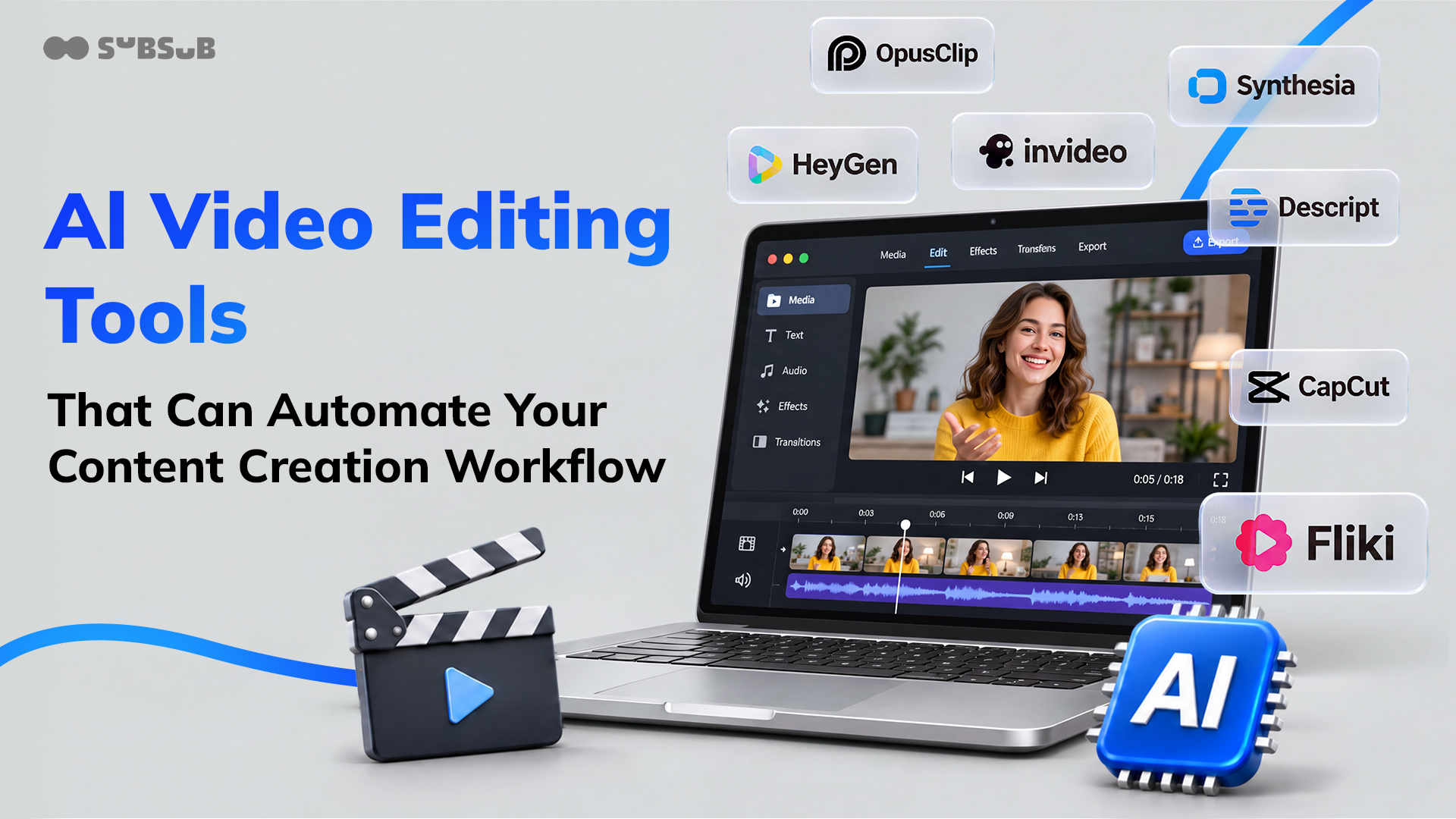
AI video editing tools use artificial intelligence to handle the repetitive, time-consuming parts of video production, from cutting raw footage and generating captions to assembling full productions from a text brief, without requiring a professional editing background or a full production team.
The category has expanded rapidly. What once required a dedicated editor and a multi-day turnaround can now be done in hours using AI. But not every tool automates the same thing. Some generate avatar-led explainers from a script. Others clip long recordings into short social content. A few speed up the whole editing process, from first assembly to final cut.
For YouTube creators, pairing the right AI video tool with a channel growth platform like SubSub covers both sides of the content workflow: producing the video and building the audience around it.
This guide breaks down 11 tools doing the most meaningful work in this space, covering what each one automates, who it is built for, and where it reaches its limits.
How We Evaluated These AI Video Editing Tools
We assessed each tool across three criteria:
Automation depth: how much of the production pipeline the tool handles without human input, from scripting and shot generation through editing and publishing.
Output quality: visual fidelity, voice naturalness, and consistency of characters or brand elements across scenes.
Workflow fit: whether the tool slots into an existing content pipeline or requires a standalone setup.
1. invideo Editor - Best for AI-Assisted Editing of Ongoing Productions
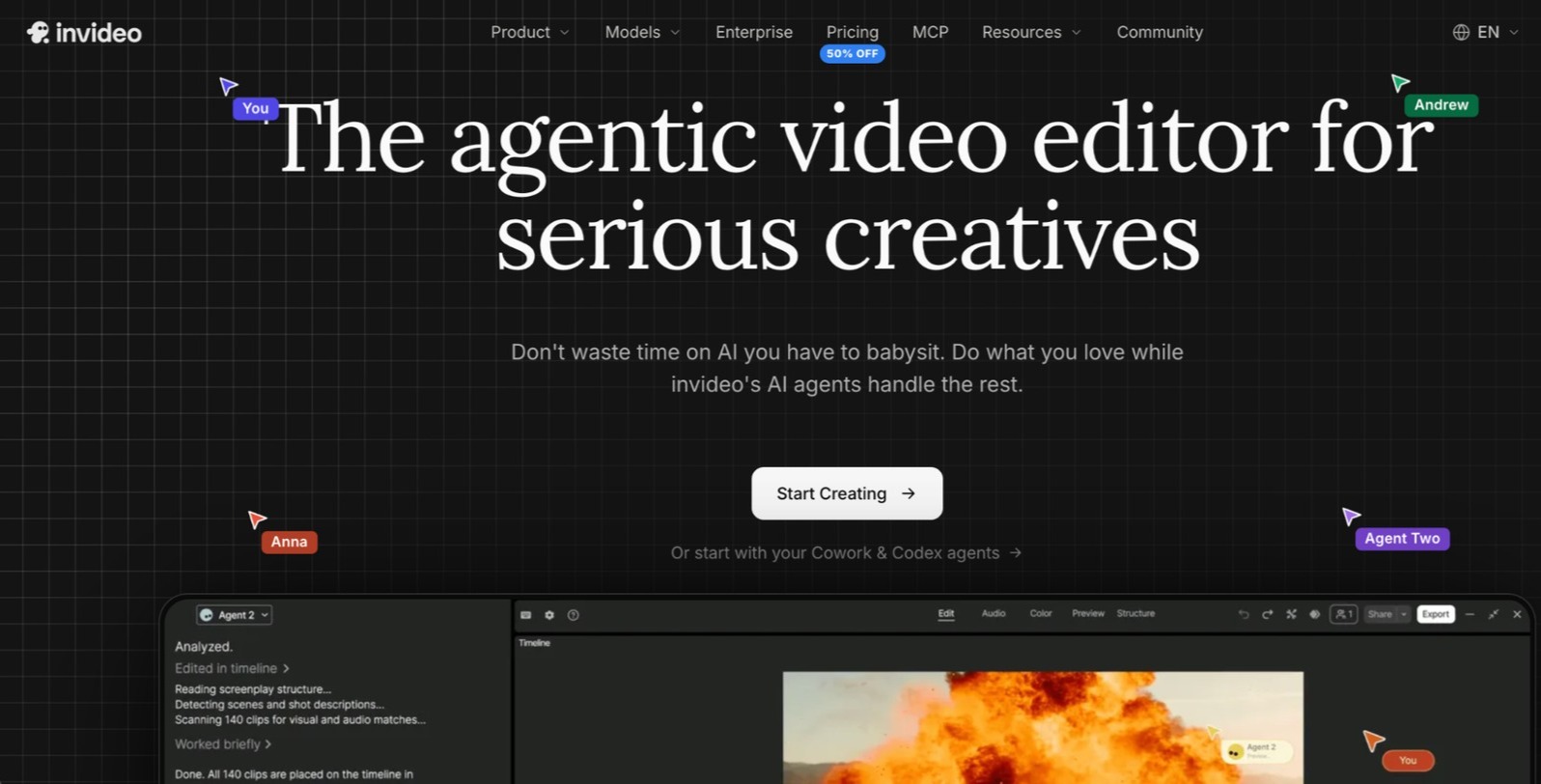
invideo Editor is a timeline-based video editor that uses AI agents to speed up time-consuming parts of editing. The agents can review footage, identify strong takes, assemble an initial cut, and help match edits to music beats or the pacing of a reference video.
You can give the agents additional instructions, such as syncing multiple camera angles, finding specific moments, adjusting color and audio, or creating shorter versions and translations. Everything is organized on a standard editing timeline, so you can review and modify the edits yourself.
The editor also supports project continuity, helping teams maintain consistent characters, locations, products, and visual styles across shots and sessions. It brings multiple AI models into one project, allowing teams to choose models for different creative needs while keeping the editing workflow in one place.
Best for: Teams running ongoing AI filmmaking productions (series, campaigns, or episodic content), where character and brand consistency across dozens of videos is a production requirement, not a nice-to-have.
Where it falls short: The automated workflow is optimized for original content creation. Teams whose primary need is translating existing footage into new languages will find purpose-built tools like HeyGen faster for that specific task.
2. Synthesia - Best for AI Avatar Presenter Videos
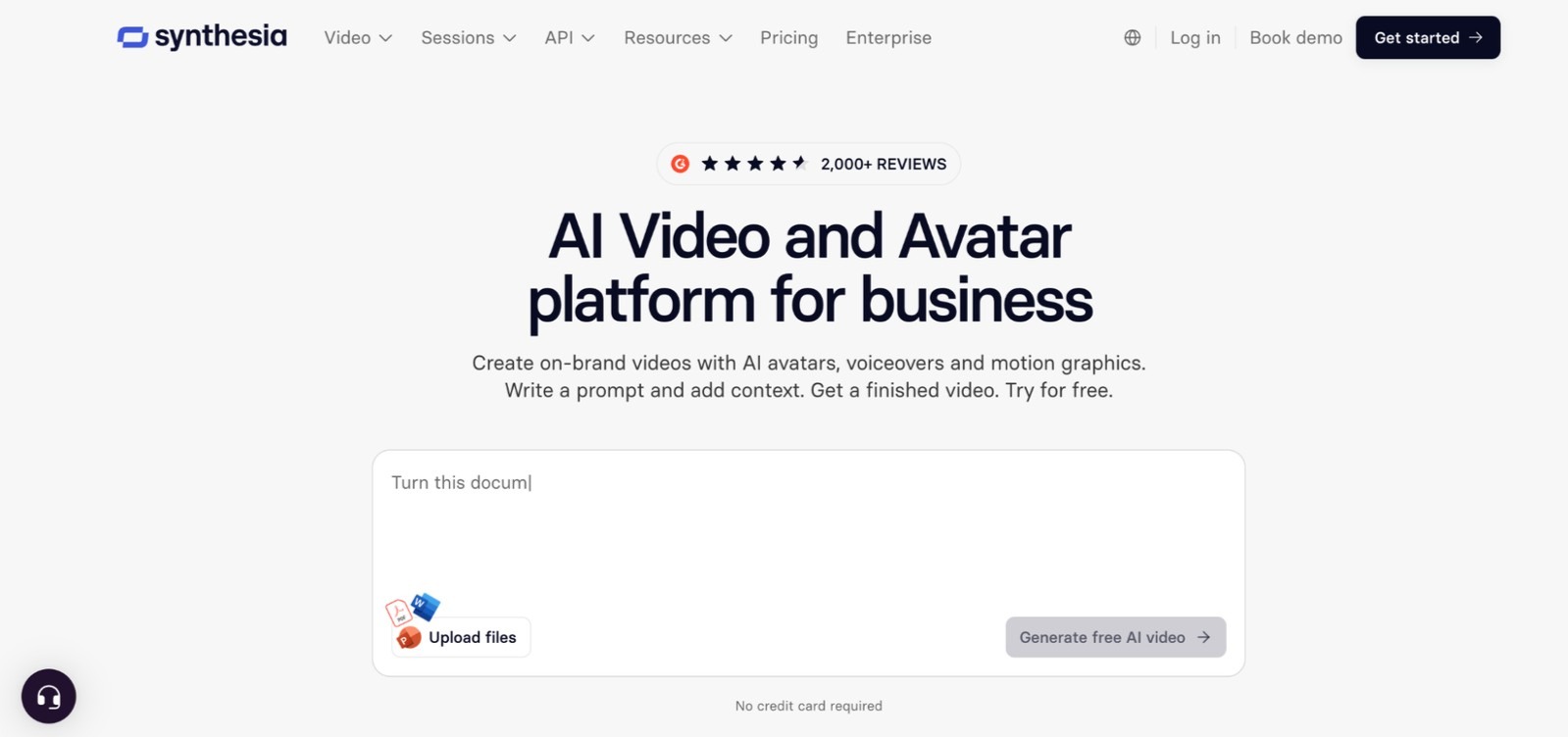
Synthesia is an AI video platform that generates talking-head presenter videos from a text script, using one of its 240+ pre-built digital avatars or a custom avatar trained on a few minutes of footage.
The platform covers 140+ languages, with micro-gesture animations that make avatar movements look more natural than the stiff output from earlier avatar tools. L&D departments, sales enablement teams, and enterprise communications teams use Synthesia to produce training videos and product demos without scheduling on-camera talent.
Video generation is fast: a finished avatar video typically renders in a few minutes after script input. The editor allows basic on-screen text, graphics overlays, and scene transitions.
Best for: Organizations producing high volumes of corporate training, compliance, or explainer videos that need consistent presenter delivery across dozens of topics.
Where it falls short: Avatar videos have a recognizable aesthetic that limits their use for consumer-facing brand content where authenticity matters. Synthesia does not handle original footage or raw video editing.
3. HeyGen - Best for Multilingual Video Translation
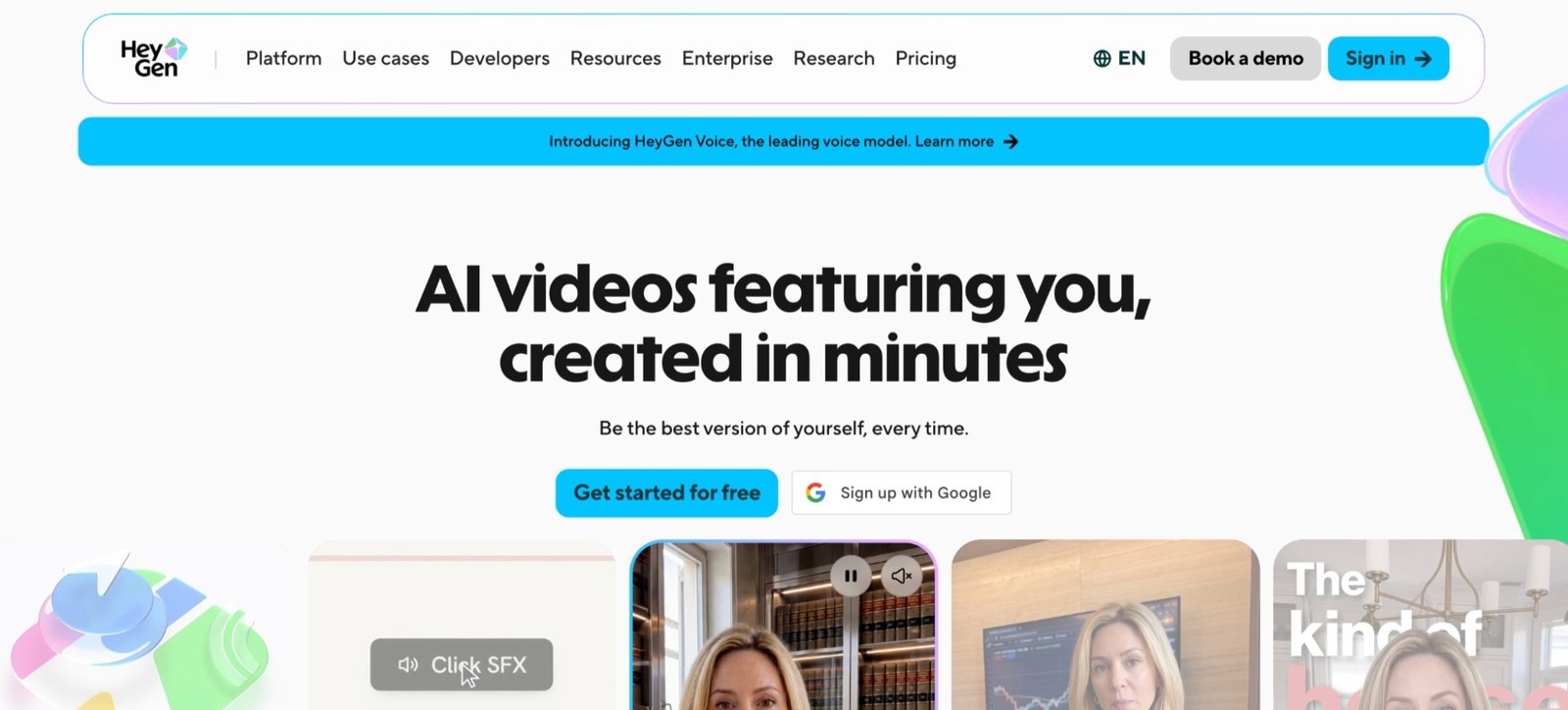
HeyGen is an AI video platform specializing in avatar video generation and automated video translation with synchronized lip movements. The Video Translation feature takes an existing video in one language and outputs a version in a target language where the speaker's lips match the new audio.
It supports 170+ languages and uses voice cloning to preserve the original speaker's voice in the translated output. For teams creating content for multiple international markets simultaneously, HeyGen's translation pipeline can replace what previously required dubbing studios and localization agencies.
HeyGen also integrates with ElevenLabs for voice cloning, allowing custom voice creation beyond the platform's built-in library.
Best for: Content teams distributing video across multiple language markets, or brands that want to translate existing video assets (product demos, founder interviews, or training videos) without reshooting in each language.
Where it falls short: Translation output quality depends heavily on source video quality and speaking pace. HeyGen does not generate original footage from a brief.
4. Descript - Best for Editing Spoken-Word Video by Text
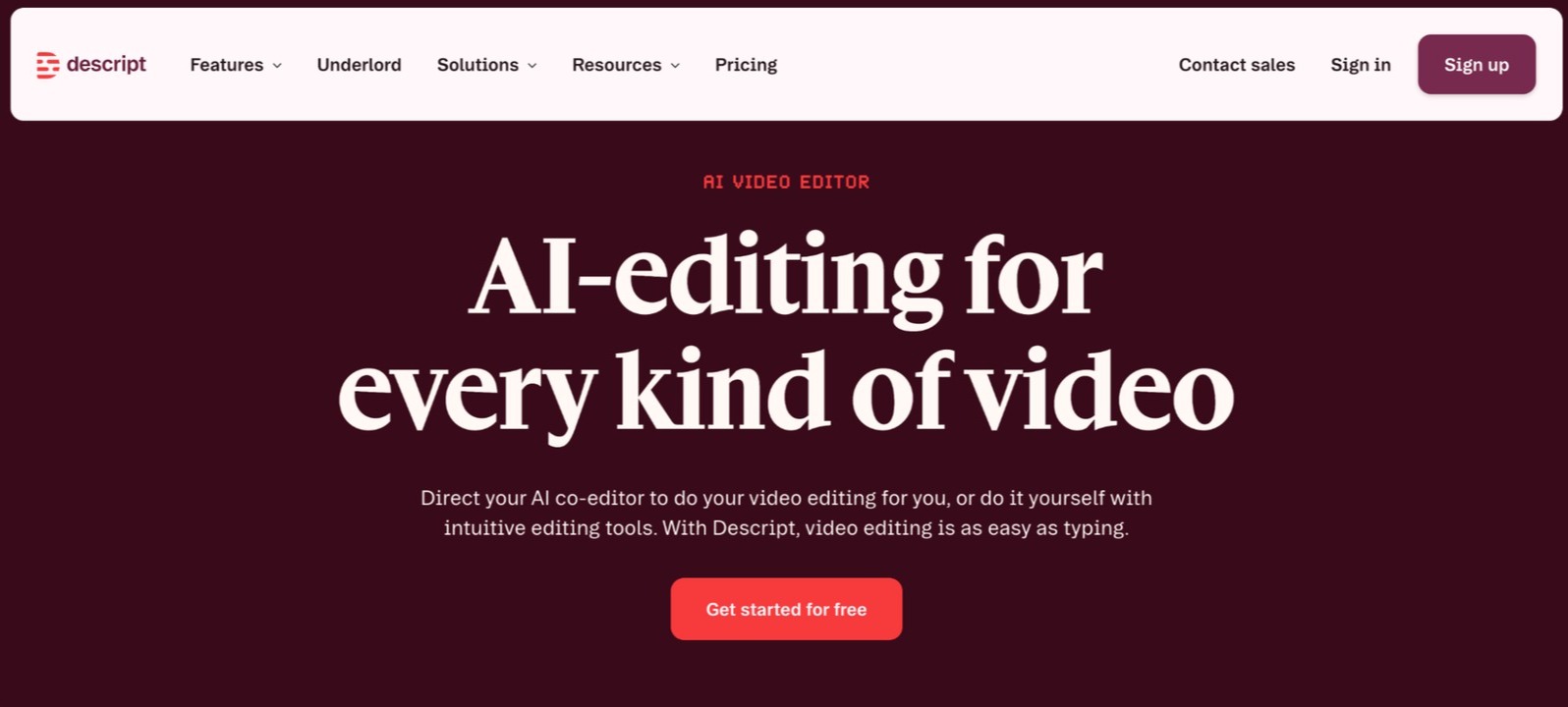
Descript is a video and podcast editor built around a single insight: if you can edit a transcript, you can edit the video. Every word spoken in a video is transcribed automatically, and cutting or reordering text in the transcript cuts or reorders the corresponding video clip.
The Underlord AI feature handles filler word removal, silence trimming, and jump cut smoothing automatically. Descript also includes a screen recorder, an AI voice overdub feature for correcting words without re-recording, and a Scenes editor for creating social-media-ready clips from longer recordings.
Best for: Podcasters, journalists, educators, or any creator producing regular long-form spoken-word content who needs to publish clean, edited video quickly without learning traditional editing software.
Where it falls short: Descript is purpose-built for editing existing footage, not generating new video. Teams that need original scenes or AI-generated footage will hit a hard ceiling.
5. Pictory - Best for Repurposing Blog Posts Into Video
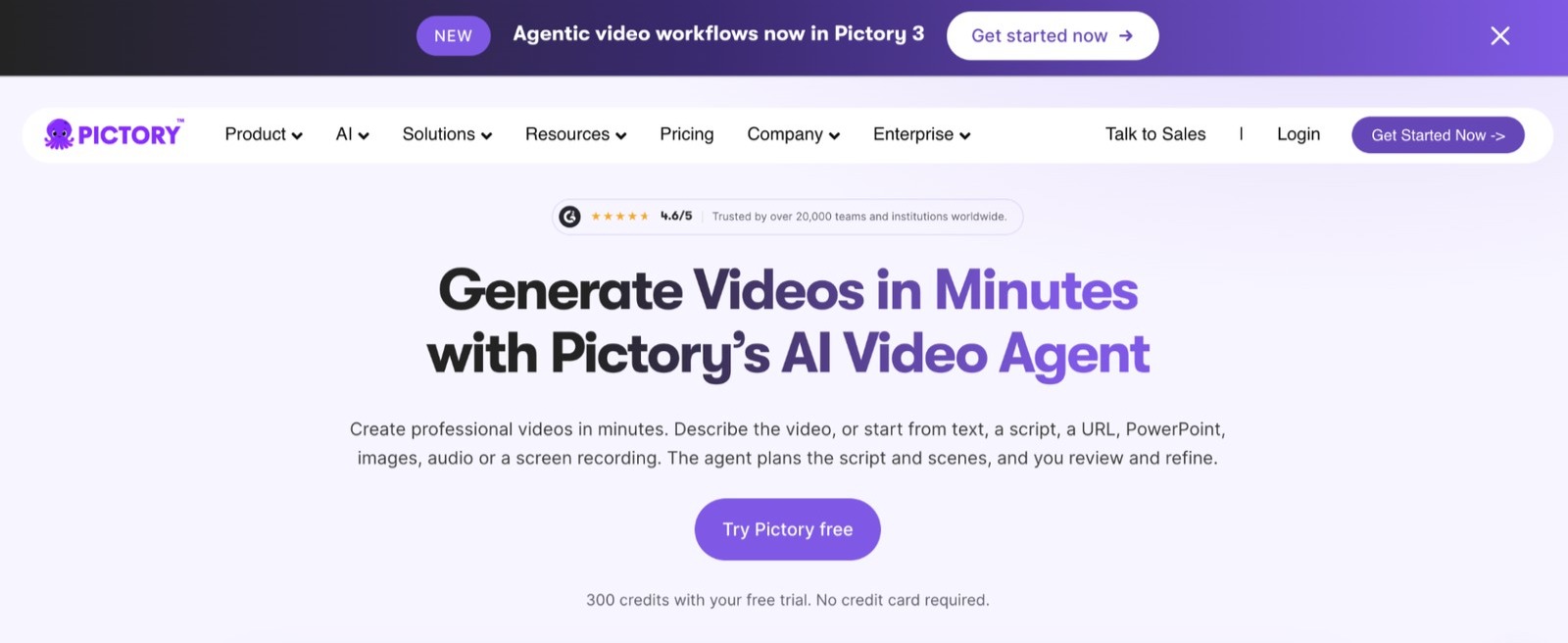
Pictory is an AI video tool that converts written content (blog posts, articles, scripts, or URLs) into short-form videos by automatically matching text sections to relevant stock footage clips from a library of 16+ million assets.
Paste a URL or text, and Pictory generates a storyboard with matched clips, suggested captions, and auto-generated voiceover. Pictory also generates highlight reels from long-form video by identifying key moments, useful for podcasters and webinar hosts who want shareable short clips.
Best for: Content marketers, bloggers, and social media managers who want to convert existing written content into video for LinkedIn, YouTube Shorts, or Instagram Reels.
Where it falls short: The stock footage matching is algorithmic and often produces generic visual selections. Pictory cannot generate original AI footage or handle raw video editing.
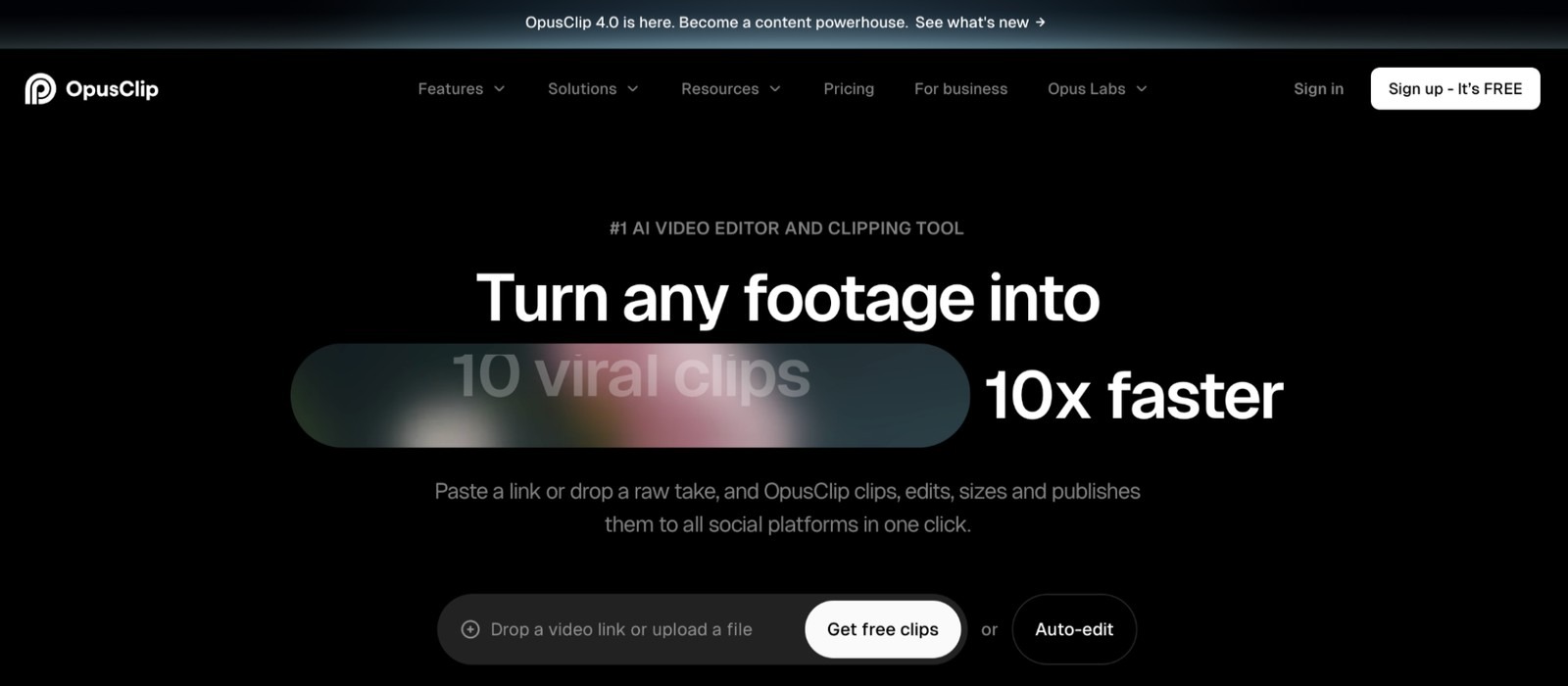
6. OpusClip - Best for Turning Long Videos Into Short Clips
OpusClip is an AI tool that takes long-form video content (webinars, podcasts, YouTube videos, interviews) and automatically identifies the most engaging moments, then repackages them as short clips optimized for TikTok, Reels, and YouTube Shorts.
The AI scores each clip for virality potential, adds auto-captions with speaker labels, and reformats the video to vertical aspect ratio. Teams that produce regular long-form content can use OpusClip to build a consistent social media presence from recordings they are already making.
Best for: Creators, marketers, and agencies who produce regular long-form video and want to maximize its reach by repurposing it into dozens of short clips without manual review.
Where it falls short: OpusClip only works with existing footage. It cannot create original content, generate new visuals, or handle branded production beyond its clip-and-caption workflow.
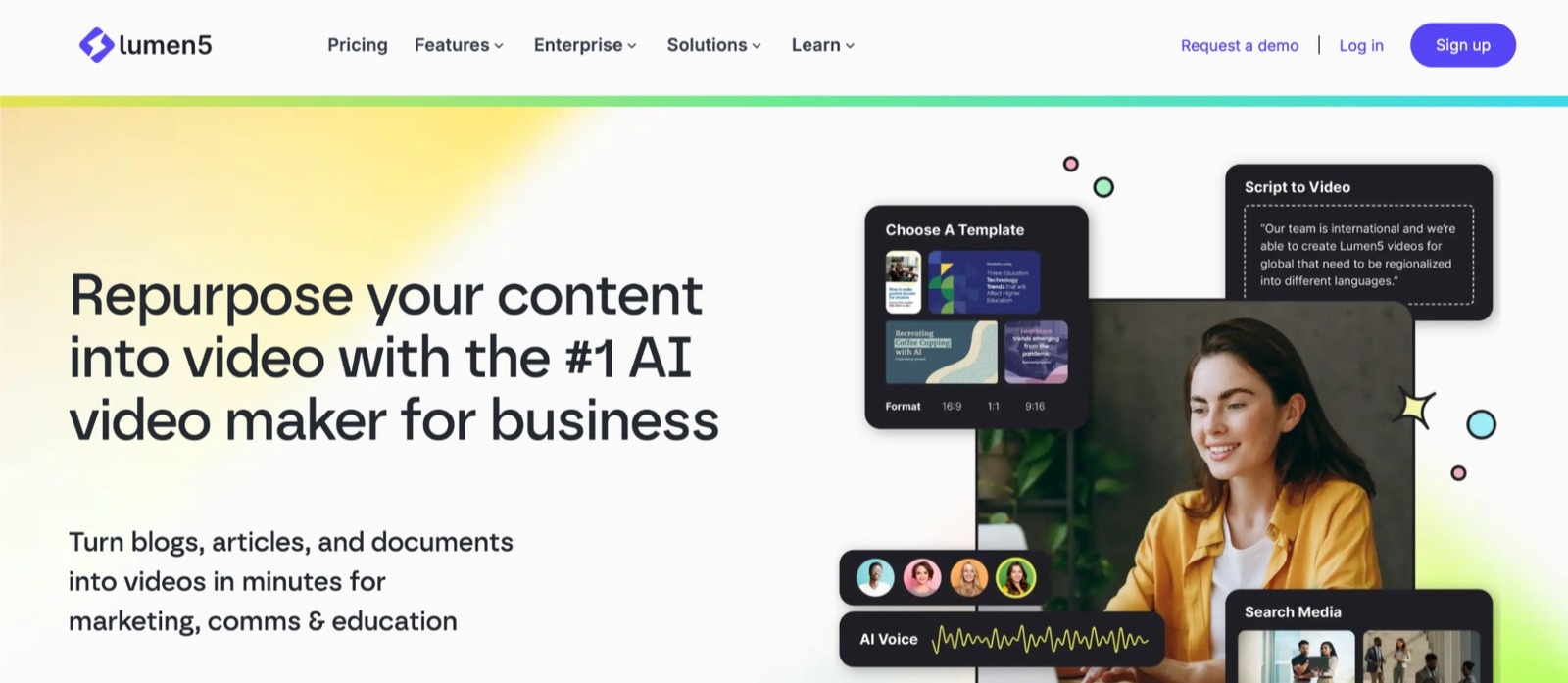
7. Lumen5 - Best for Turning Articles Into Social Video
Lumen5 is a text-to-video platform that converts blog posts, articles, and scripts into branded social videos by matching sections of text to media from its built-in library. It is designed for marketing teams that produce a high volume of written content and need video versions without a dedicated video editor.
The platform lets teams set brand colors, fonts, and logo once, and those elements are applied automatically across every video. Lumen5 also supports custom media uploads for teams that want to use their own footage alongside library assets.
Best for: Marketing teams and content creators who regularly produce written content and want a fast, repeatable way to convert it into branded video for social channels.
Where it falls short: Lumen5 is not a video editor and does not handle raw footage. Output depends on stock media quality, and the visual style has a recognizable template aesthetic.
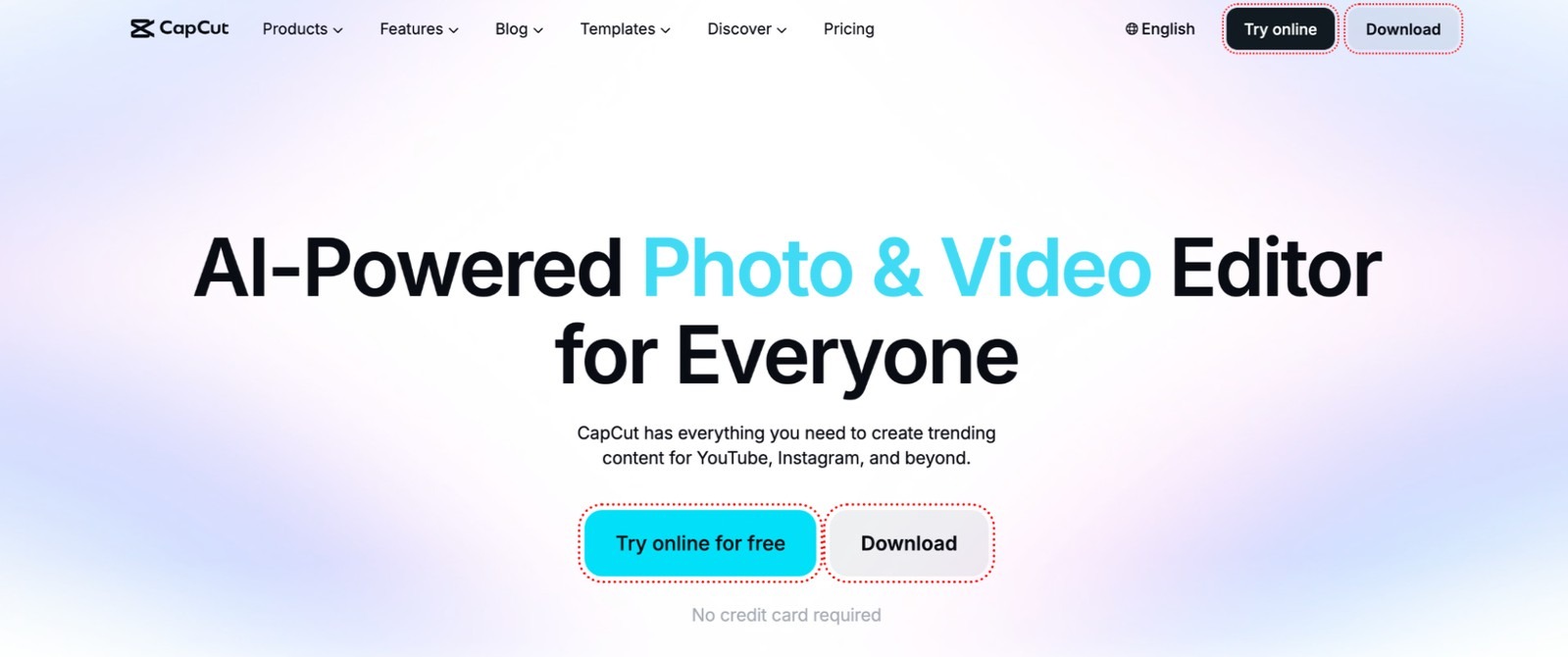
8. CapCut - Best for Social Media Video on Any Device
CapCut is a free video editing app by ByteDance with a growing suite of AI features: auto-captions, background removal, AI-generated effects, smart cutout, and a library of trending templates built for TikTok, Reels, and YouTube Shorts.
The app works on mobile, desktop, and browser, making it accessible for individual creators and small teams without a dedicated editing setup. The AI features are built into the free tier, with CapCut Pro unlocking higher-resolution exports and premium assets.
Best for: Individual creators, influencers, and small teams creating short-form social video who want fast editing with AI-assisted features at no cost.
Where it falls short: CapCut is optimized for short-form social content and does not support complex multi-track productions, branded output at scale, or AI-generated original footage.
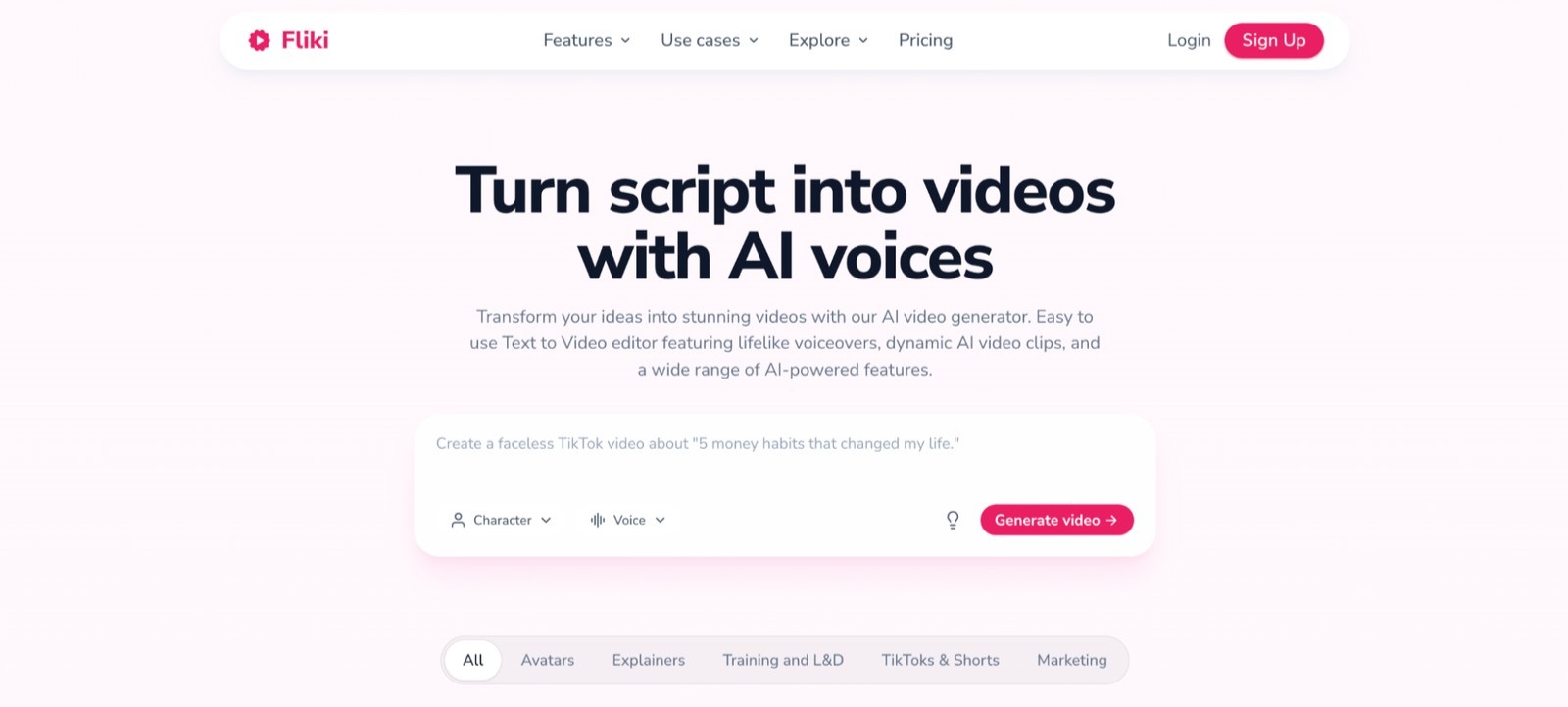
9. Fliki - Best for Script-to-Video With AI Voice
Fliki is a text-to-video platform that converts scripts, blog posts, or social media captions into narrated videos using AI voices from a library of 2,000+ voices across 75+ languages. It pairs the narration automatically with relevant stock footage, images, or AI-generated visuals.
The voice quality is notably natural compared to earlier text-to-speech tools, and Fliki supports voice cloning for teams that want narration in a consistent branded voice. It is a fast option for teams producing explainer videos, product walkthroughs, or educational content at volume.
Best for: Content teams, educators, and solo creators who produce high volumes of narrated explainer or educational video and want to automate the voiceover and visual assembly process.
Where it falls short: Fliki relies on stock visuals and AI-matched media. It is not suitable for productions requiring original footage, custom cinematography, or complex scene editing.
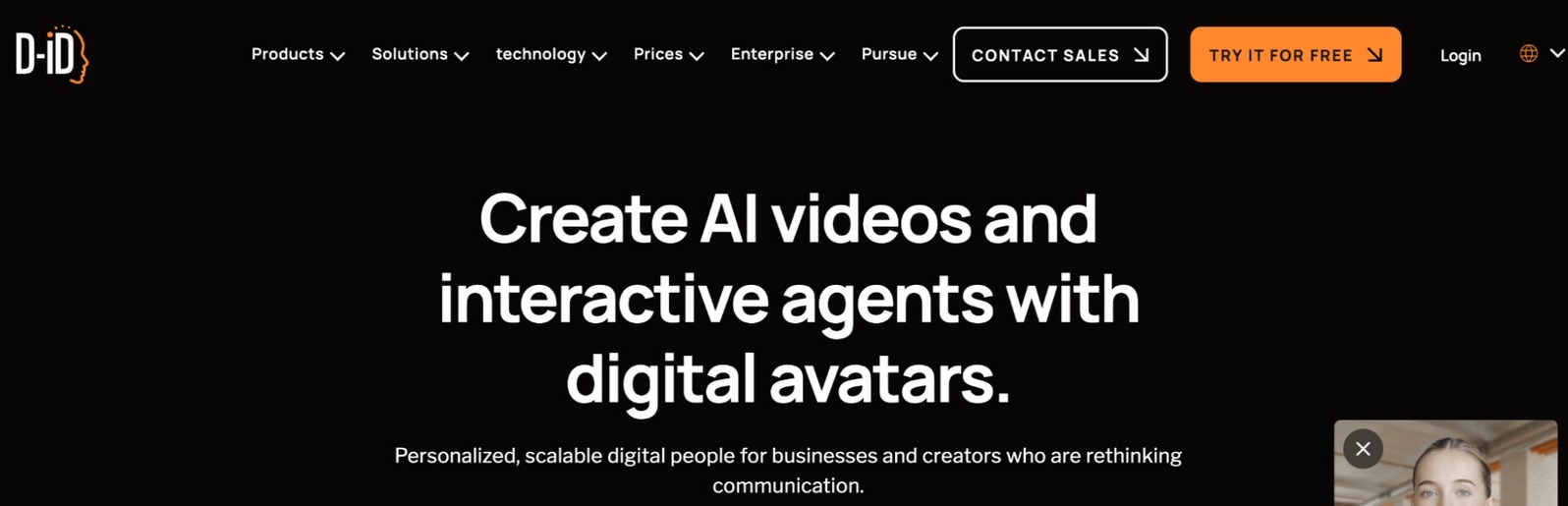
10. D-ID - Best for AI Talking Avatar From a Still Image
D-ID is an AI video platform that animates still images into talking, lip-synced avatar videos using a text script or audio file. It is widely used for creating digital presenters, personalized video messages, and AI-generated spokespeople from a single photo.
The platform supports 100+ languages and integrates with ChatGPT for script generation. D-ID offers an API for teams that want to generate talking avatar videos at scale programmatically, making it a common choice for SaaS products building personalized video features.
Best for: Developers building personalized video into their products, marketing teams creating scalable personalized outreach, and educators who want an on-screen presenter without recording on camera.
Where it falls short: D-ID is designed for single-presenter talking-head video. It does not handle multi-scene productions, original footage generation, or complex editing workflows.
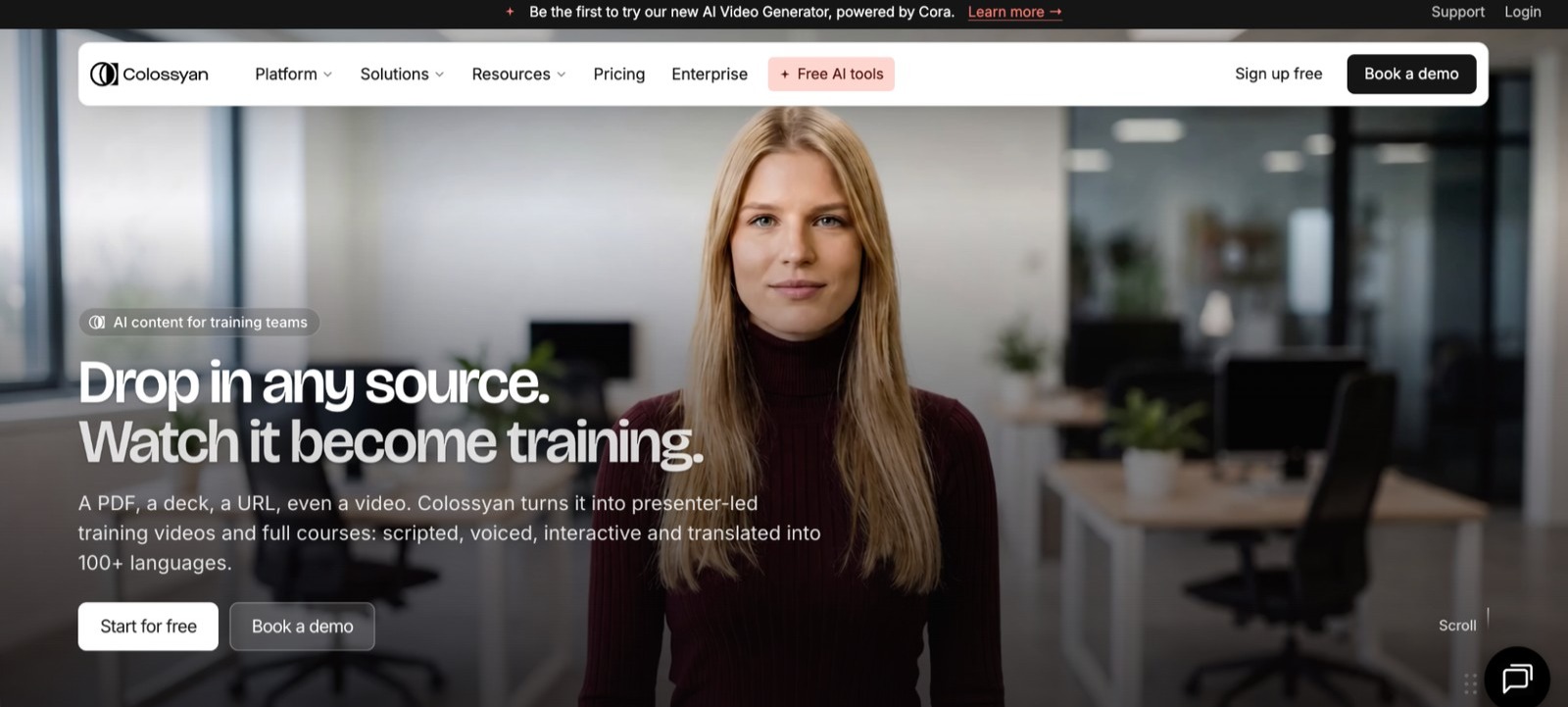
11. Colossyan - Best for AI Avatar Video for Training and L&D
Colossyan is an AI video creation platform built specifically for learning and development teams. It generates avatar-led video lessons from a script, with 150+ AI avatars, support for 70+ languages, and a built-in collaboration workflow for teams that need to review and approve content before publishing.
Colossyan includes automatic translation, branded templates, and a SCORM export option for teams integrating video content into their learning management systems. It is designed for HR teams, training departments, and enterprise organizations that produce a high volume of onboarding and compliance video.
Best for: L&D teams, HR departments, and enterprise organizations producing compliance training, onboarding video, or instructional content at scale in multiple languages.
Where it falls short: Colossyan is narrowly focused on instructional and corporate training content. It is not built for marketing, narrative, or branded production content.
Conclusion: Which AI Video Tool Should You Use?
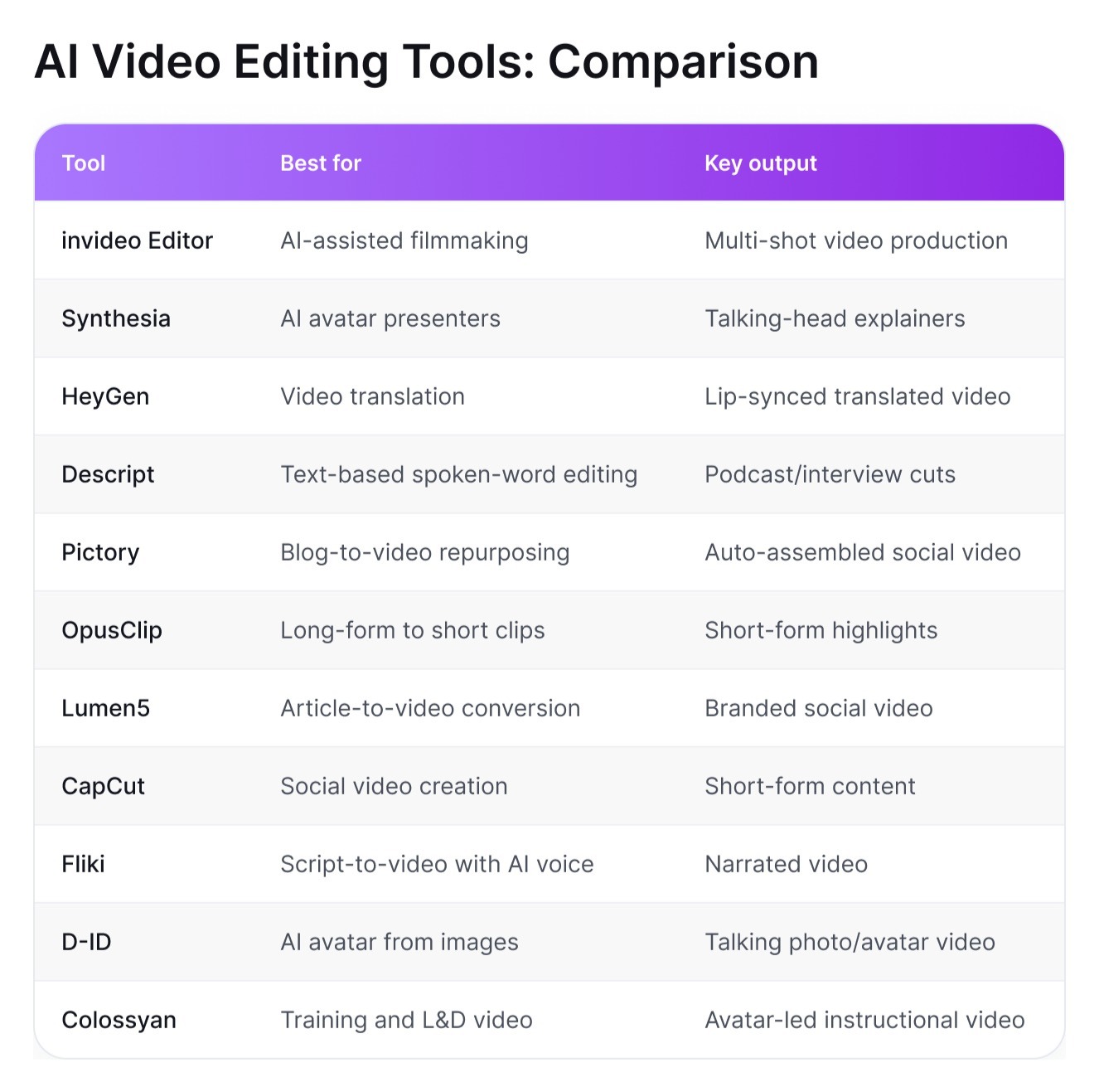
There is no single best AI video editing tool. Each one automates a different part of the workflow, so the right choice depends on what you produce most often:
AI-assisted editing of series and campaigns with consistent characters across scenes: invideo Editor
Corporate training or compliance video with AI avatars: Synthesia or Colossyan
Video content for multiple language markets: HeyGen
Podcast or interview editing from a transcript: Descript
Repurposing blog posts or articles into social video: Pictory or Lumen5
Clipping long recordings into short viral content: OpusClip
Short-form social video on any device: CapCut
Narrated explainer video from a script: Fliki
Talking avatar video from a still image: D-ID
In practice, many creators combine two tools: one to produce or edit the video, and another to repurpose it into short formats for other platforms. Whichever you choose, treat AI as a way to remove repetitive work, not creative judgment: the tool handles the mechanics, while the ideas, structure, and final edit still come from you.